I Wanna Love You AI Video From One Photo
 I Wanna Love You AI Team
Why one photo is enough, what the model takes from it, what it invents, and how to get a result that still looks like the person you uploaded.
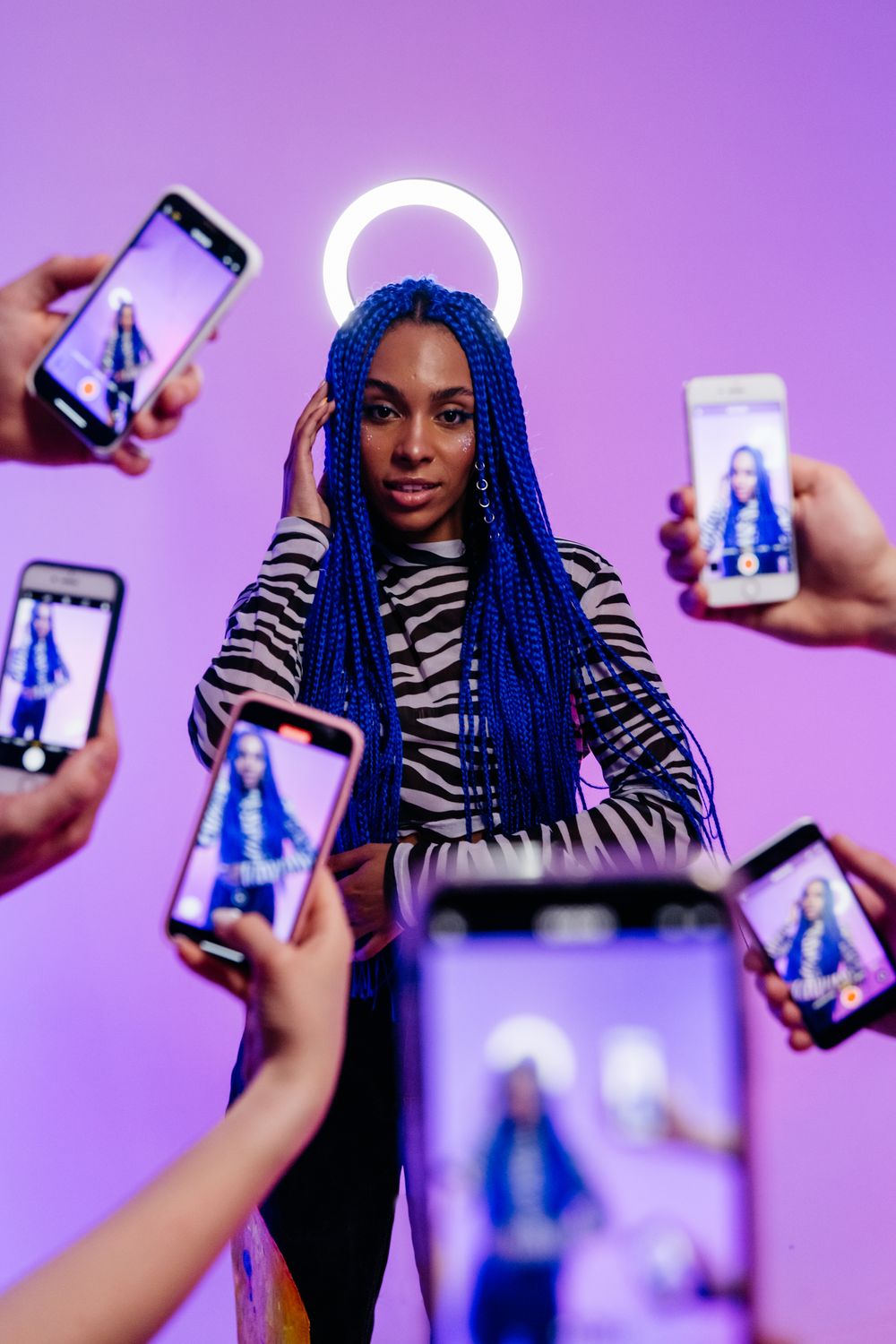
The promise of this trend is that one photo is enough. Not a video, not a multi-angle scan, not a 3D capture. One still image, twelve seconds of performance. This article explains why that works, what the model takes from the photo, and where the limits are.
What the model takes from the photo
A photo-to-video model uses the image as a reference for the subject. Depending on the model and the prompt, it carries:
- Face shape and features. Eyes, eyebrows, nose, mouth, skin tone.
- Hair. Colour, length, style.
- Clothing. The outfit visible in the frame.
- Accessories. Glasses, earrings, a hat if it does not cover the face.
It does not carry a full 3D understanding of the person. It is not reconstructing a body from the image; it is generating new frames that are conditioned on the image. That distinction explains both the magic and the failures.
What the model invents
Everything the photo does not show:
- The body below the crop. If the photo is a headshot, the torso and clothes are invented.
- The back of the head. The routine turns the head; the model extrapolates.
- Hands and fingers. The classic weak point of generated video.
- The parts of the setting the photo did not include. The court, the lights, the fence.
That is why a knees-up or full-body photo works better: it gives the model less to invent. It is also why a headshot can still work at 480p, where the invented body is smaller and less noticeable.
Why the routine is a hard test
The night-court routine is not a gentle animation. It includes:
- A large head rotation, including a view from below and almost upside down.
- Arms moving near the face.
- A continuous take with no cut to hide a mistake.
- A recognizable setting with strong lines.
Each of those increases the chance of an artifact. A model that looks flawless on a slow portrait can still produce a strange hand during the lean-back. That is normal, and it is why the result should be judged as a whole rather than frame by frame.
How to keep the likeness
The single biggest lever is the photo. After that:
- Do not contradict the photo in the prompt. If the photo shows a black jacket, do not ask for a pink suit. The model will compromise, and the compromise is visible.
- Use the highest resolution you can afford for the final. 720p is the normal choice; 1080p helps if you plan to crop or reuse.
- Rerun once if the face drifts. Generation has variance; a second run with the same input can land better.
- Accept the style. The output is a generated performance, not a deepfake of a recording. It will look like an AI video, and that is part of the format.
What one photo cannot do
- Guarantee an exact likeness. The model interprets the face; it does not clone it.
- Preserve a tattoo or a small detail that is not clearly visible in the photo.
- Keep a specific hand position or a precise dance move.
- Produce a video of a person you do not have the rights to use.
The last one is a consent rule, not a technical limit. A celebrity photo will be refused, and a stranger’s photo should be refused by any responsible tool.
The workflow, in one paragraph
Upload one clear, front-facing photo. Choose 480p to test or 720p to post. Pay for the smallest pack that covers the render. Wait a few minutes. Download the silent MP4. Add the trend sound inside TikTok, Reels or Shorts. Turn on the AI label. Post.
If the result is not right, change the photo before changing the tool. The photo guide explains what to look for, and the step-by-step guide covers every decision.