I Wanna Love You AI
An AI image generator with a download you can use
Text to image is the fastest way to get a still that does not exist yet: a cover, a concept frame, a product mockup, a scene you want to test before rendering it as video. Describe it, pick a ratio and a resolution, and download the file clean.
Describe the image
Subject, setting, light and composition in one brief.
Pick ratio and size
1:1, 4:5, 3:2 or 9:16, at 1K or 2K.
Download the image
1K or 2K, watermark-free, ready to use.
What it is good for
Covers and thumbnails, moodboards, concept art, product-style mockups and stills that become the first frame of a video. GPT Image 2 is strong at photographic lighting, composition and material detail. It is not a likeness tool: real people, celebrities and children are refused, and it should not be used to fake a photo of someone.
A prompt that gives you options
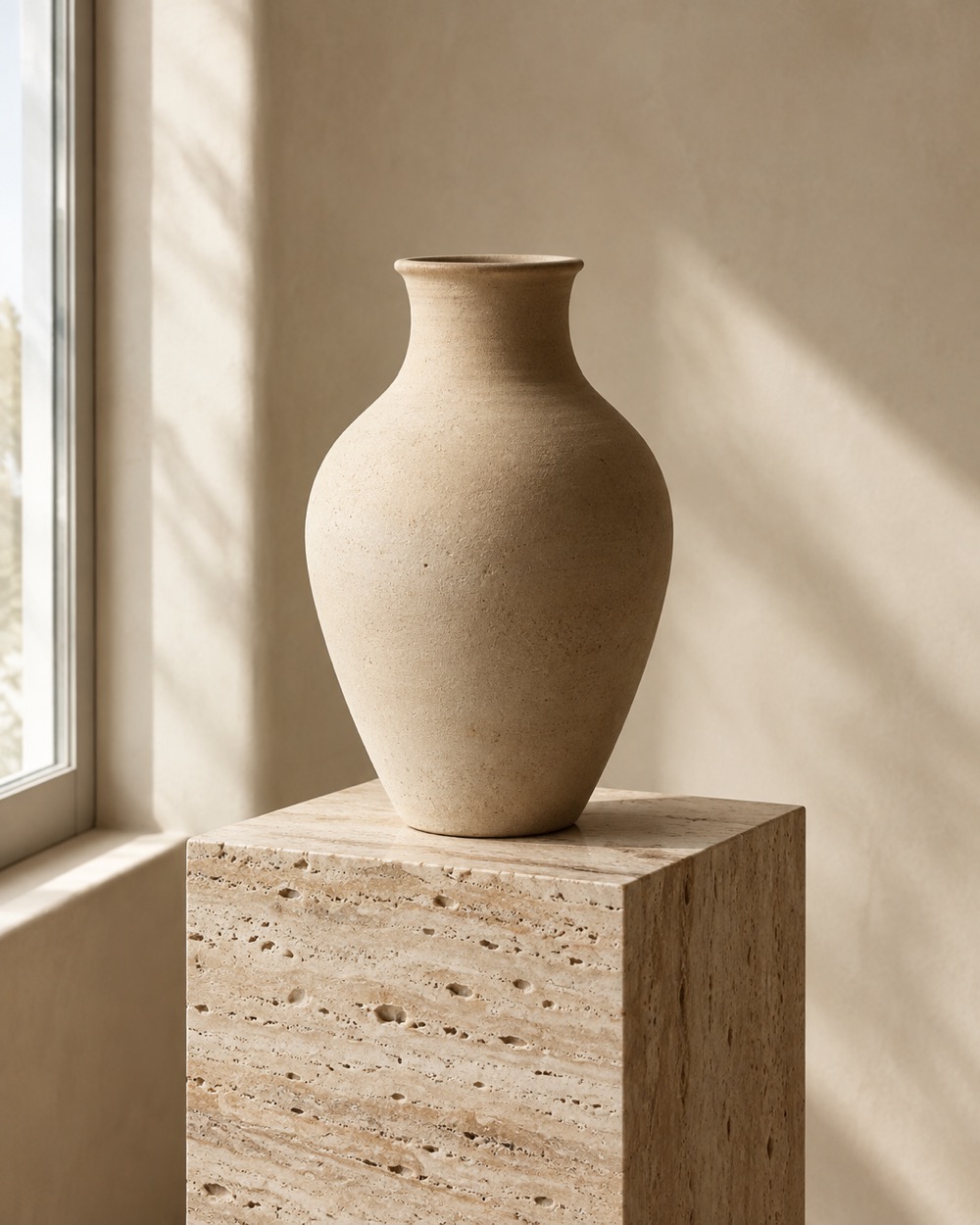
Write the subject, the setting, the light and the composition. “A single ceramic vase on a travertine plinth, soft north window light, 4:5 editorial still life, muted sand palette” is a brief the model can follow. Add a style only when it matters; “cinematic” and “editorial” mean different things, so pick one. Keep small text out of the image and add it later in a design tool.
Ratios, resolution and credits
Choose 1:1, 4:5, 3:2 or 9:16. A 1K image costs 5 credits; a 2K image costs 10. Credits are shared with the video studio, so one balance covers both. A failed task returns its credits automatically. The download is watermark-free and ready for a post, a thumbnail or the first frame of a video render. You need a signed-in account to generate; the balance and the task belong to your user.
Keep creating
Four related tools that use the same credit balance.
Frequently asked questions
Which aspect ratio should I choose?
4:5 for feed portraits, 9:16 for Stories and Reels covers, 1:1 for avatars and product tiles, 3:2 for landscape scenes.
Can I use the image commercially?
You can use the image you generated in your own projects, subject to the rights in any source material and the platform terms. Do not generate a real person or a protected character.
Can I generate a photo of a real person?
No. Real-person likenesses, celebrities and children are refused by moderation. Use your own photo with the image editor when identity matters.
Last updated 2026-10-20