I Wanna Love You AI
Photo to video AI that keeps the face
A photo-to-video tool is only useful if the person in the result is still the person in the photo. This studio is built around that one constraint: one upload, one 12-second vertical clip, the same face from the first frame to the last.
Upload one photo
A clear, front-facing photo of one person or pet.
Pick a resolution
480p, 720p or 1080p; the price is shown before you generate.
Download the MP4
12 seconds, 9:16, silent and watermark-free.
What one upload actually produces
You get a 12-second, 9:16 MP4 rendered by Seedance 2.0 through kie.ai. Choose 480p for 10 credits, 720p for 30, or 1080p for 60. The clip is deliberately silent and carries no watermark, so you can add the trend sound inside TikTok, Reels or Shorts. Rendering usually takes a few minutes; the page keeps polling and hands you the file when it is ready.
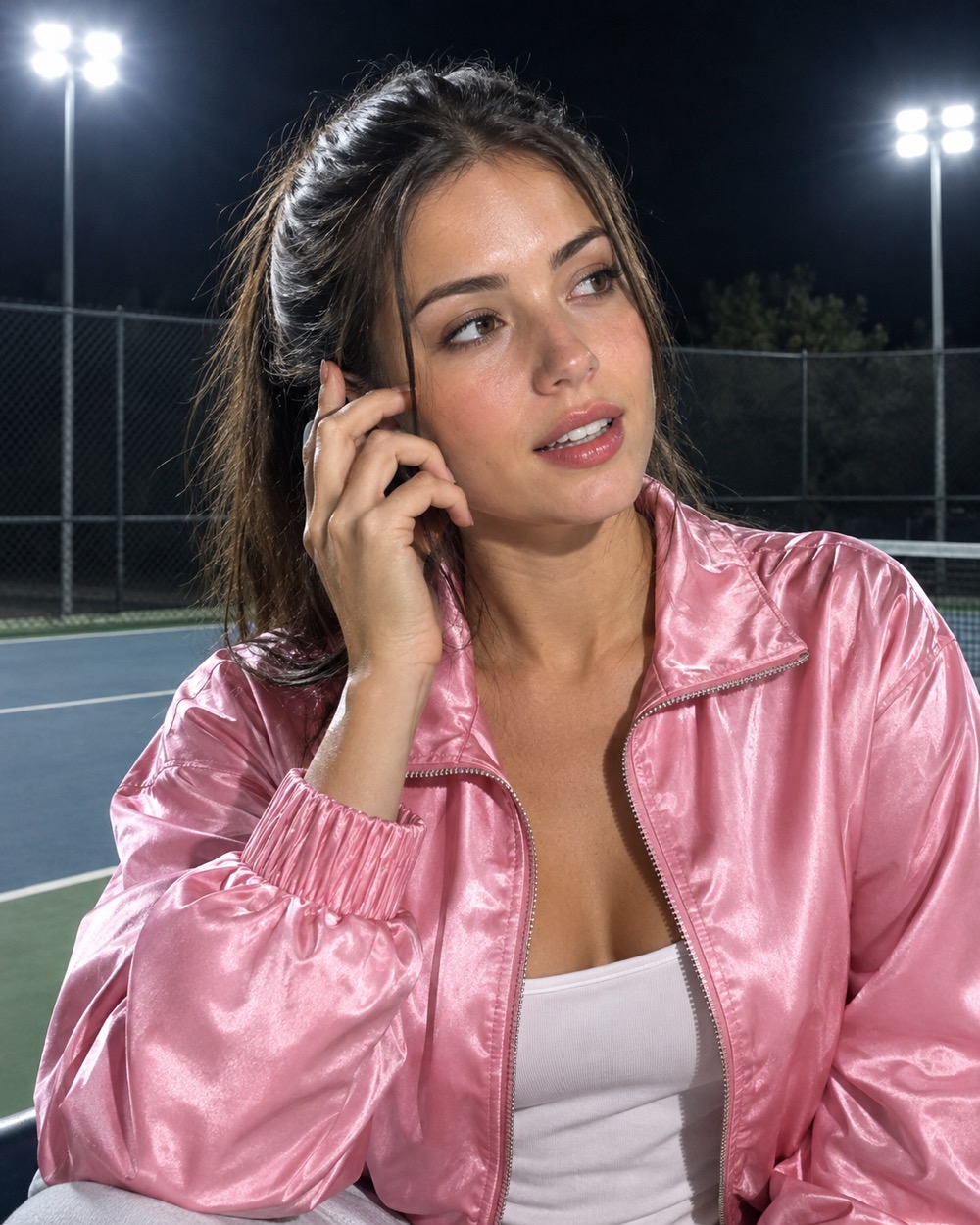
The photos that survive the render
Front-facing, evenly lit, eyes visible, no sunglasses and no hat brim across the face. One person or one pet per photo. A knees-up or full-body photo gives the model more body to work with than a tight headshot. Use your own photo, or a friend’s photo with their permission. Never upload a celebrity, a stranger or a child.
Price, failure and refunds, in plain words
There are no free credits and no trial render. A 480p video costs 10 credits, 720p costs 30 and 1080p costs 60. If the model never starts or the render fails, the task is marked failed and its credits return to your balance automatically. You can retry with the same photo and settings without paying twice for a clip that never existed.
Keep creating
Four related tools that use the same credit balance.
Frequently asked questions
How long does a photo-to-video render take?
Usually a few minutes. The studio polls the provider and shows the finished clip on the same page. A slow render is not a failed render; a failed one is marked failed and refunded.
Can I use a celebrity photo or someone else’s selfie?
No. Every upload and prompt is checked before the model runs. Celebrity likenesses, strangers, children and explicit content are refused, and a refused task does not produce a clip.
Is the finished video watermarked?
No. The MP4 downloads clean. It is also silent on purpose: we do not license the trend track, so add the sound in the app where you post.
Last updated 2026-10-20