I Wanna Love You AI
Text to video AI with a 600-character brief
Text mode is for the shots you can describe but cannot photograph. Write the scene, the subject, the motion and the camera; the model renders one continuous 12-second vertical clip. If a particular person or product has to be in it, attach a photo as the visual anchor.
Upload one photo
A clear, front-facing photo of one person or pet.
Pick a resolution
480p, 720p or 1080p; the price is shown before you generate.
Download the MP4
12 seconds, 9:16, silent and watermark-free.
How to write a prompt that renders
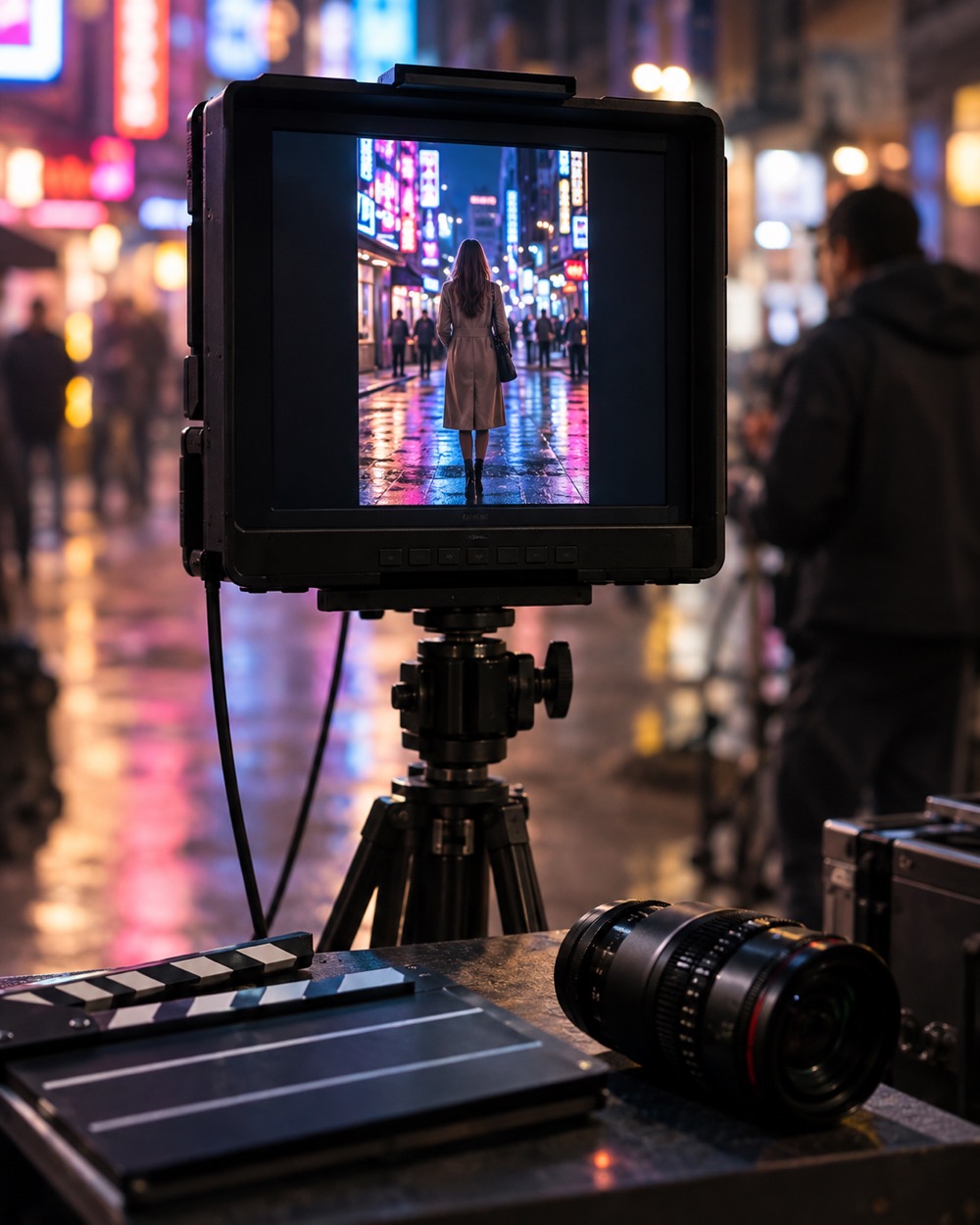
Name the subject, the setting, the motion and the camera in that order. “A woman in a pink suit walks through a floodlit tennis court at night, slow push-in, handheld phone footage” gives the model four decisions. The prompt is capped at 600 characters, so spend them on nouns and verbs, not on mood adjectives. The studio adds the technical wrapper: 12 seconds, 9:16, continuous shot, no text, no watermark.
When to attach a photo
Attach a photo when identity matters: a selfie, a pet, a specific outfit. The photo becomes the subject anchor and the text directs the action around it. Without a photo the model casts its own subject, which is fine for scenery, product-style shots and abstract motion. One photo per run; the model is not a multi-reference compositor.
What text-to-video cannot do
One clip is 12 seconds and silent. It does not render readable text, captions or logos; those should be added in your editor. It will not reproduce a real celebrity, a stranger or a child. Fast costume changes, crowd scenes and complex hand interactions are the usual failure points, so keep the brief to one subject and one continuous action.
Keep creating
Four related tools that use the same credit balance.
Frequently asked questions
How long can my prompt be?
600 characters. The studio adds the technical direction around it; everything you type is treated as creative direction.
Can I use a photo with a text prompt?
Yes. Attach one photo and the model uses it as the subject anchor while your text directs the scene and motion.
Can I generate a real person from a text description?
No. Real-person likenesses, celebrities and children are refused. Use your own photo with photo mode when identity matters.
Last updated 2026-10-20