I Wanna Love You AI
AI image to video, without the slideshow look
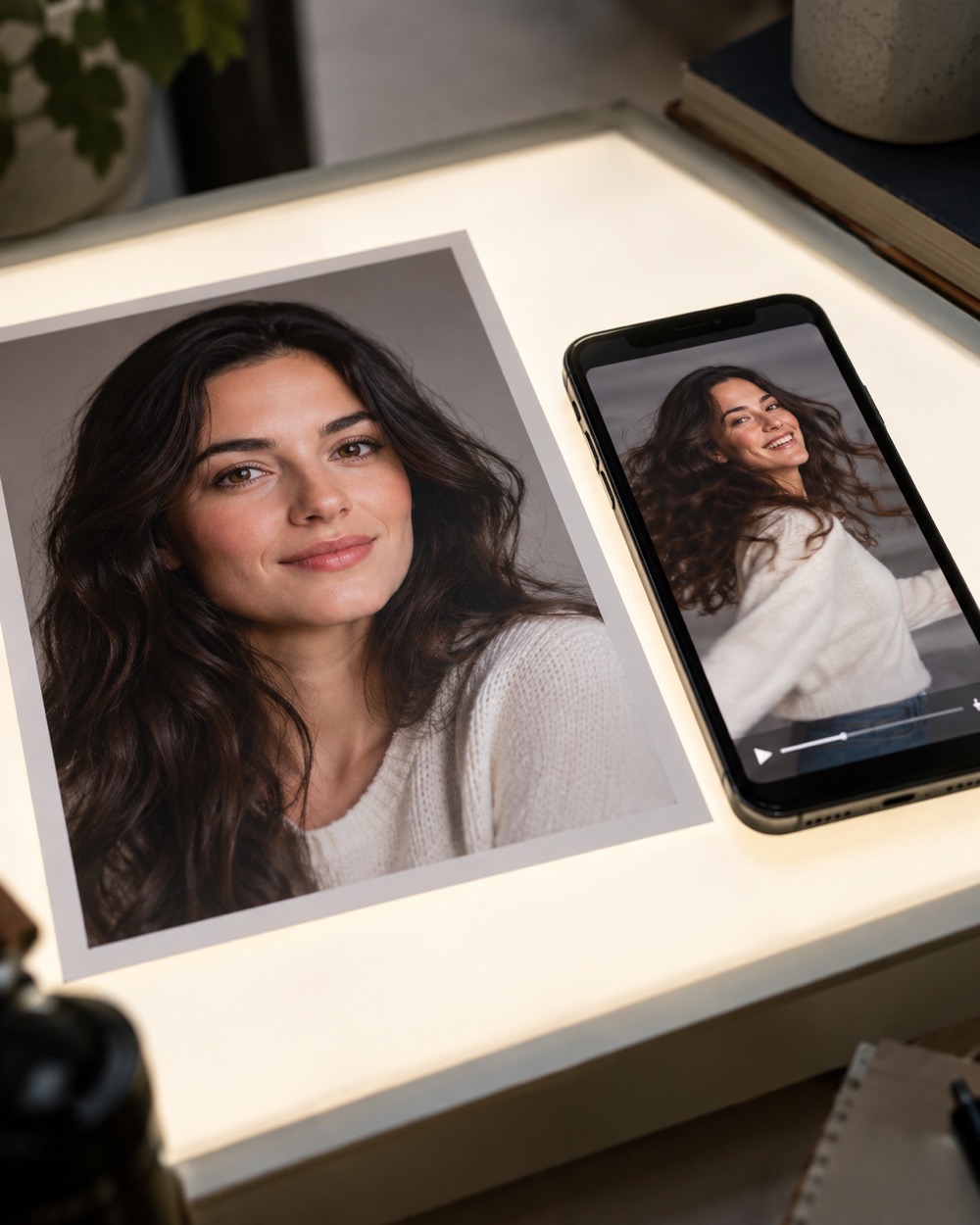
Most “image to video” tools pan and zoom a still. This one rebuilds the scene around the subject: the camera moves, the head turns, the background breathes, and the face stays consistent because the model is anchored to your image on every frame.
Upload one photo
A clear, front-facing photo of one person or pet.
Pick a resolution
480p, 720p or 1080p; the price is shown before you generate.
Download the MP4
12 seconds, 9:16, silent and watermark-free.
What the model keeps and what it changes
The upload is the visual anchor: face shape, eyes, nose, mouth, skin tone, age, hair and outfit are carried through the clip. The model adds motion and camera language around that anchor. In the trend mode it rebuilds the night-court selfie staging; in text mode you describe the scene and the motion yourself. Both produce the same 12-second, 9:16, silent MP4.
Upload rules that save you a wasted render
JPG, PNG, WebP, GIF, AVIF and HEIC are accepted up to 10MB per file. Use one clear subject. Two people in one photo can swap faces or merge during a fast turn, and the model is not asked to invent a third person. Avoid heavy filters, text overlays, logos and photos where the face is smaller than a thumbnail.
Good for portraits, pets and products
A portrait becomes a performance. A pet photo becomes a moving character. A product photo works when the product is the single subject and the background is simple; the model is not a product-composite tool, so keep labels and packaging text out of the prompt. Every run is moderated before and after generation.
Keep creating
Four related tools that use the same credit balance.
Frequently asked questions
What image formats can I upload?
JPG, PNG, WebP, GIF, AVIF and HEIC, up to 10MB per file. The uploader rejects unsupported types before the model is called.
Can I animate a photo with two people?
The pipeline is built for one person or one pet per photo. Two people often swap faces or merge during motion, so the safer choice is one photo per person and two separate renders.
Does image-to-video keep the original background?
In text mode you can describe the background you want; in trend mode the model rebuilds the night-court setting. The subject is preserved more strongly than the background, which is normal for this class of model.
Last updated 2026-10-20