I Wanna Love You AI
A vertical video generator that starts at 9:16
Most video tools generate a square or landscape frame and leave you to crop. This one starts at 9:16, the ratio every short-form feed actually uses. One photo or one written scene in, one 12-second vertical MP4 out.
Upload one photo
A clear, front-facing photo of one person or pet.
Pick a resolution
480p, 720p or 1080p; the price is shown before you generate.
Download the MP4
12 seconds, 9:16, silent and watermark-free.
Why 9:16 is the default, not an export option
The model composes for the phone frame: the subject sits in the middle, the camera moves vertically, and the background fills the tall edges. You never lose the top of a head or a hand to a crop, because there is no crop. The output is 1080×1920 at the top tier and stays 9:16 at every resolution.
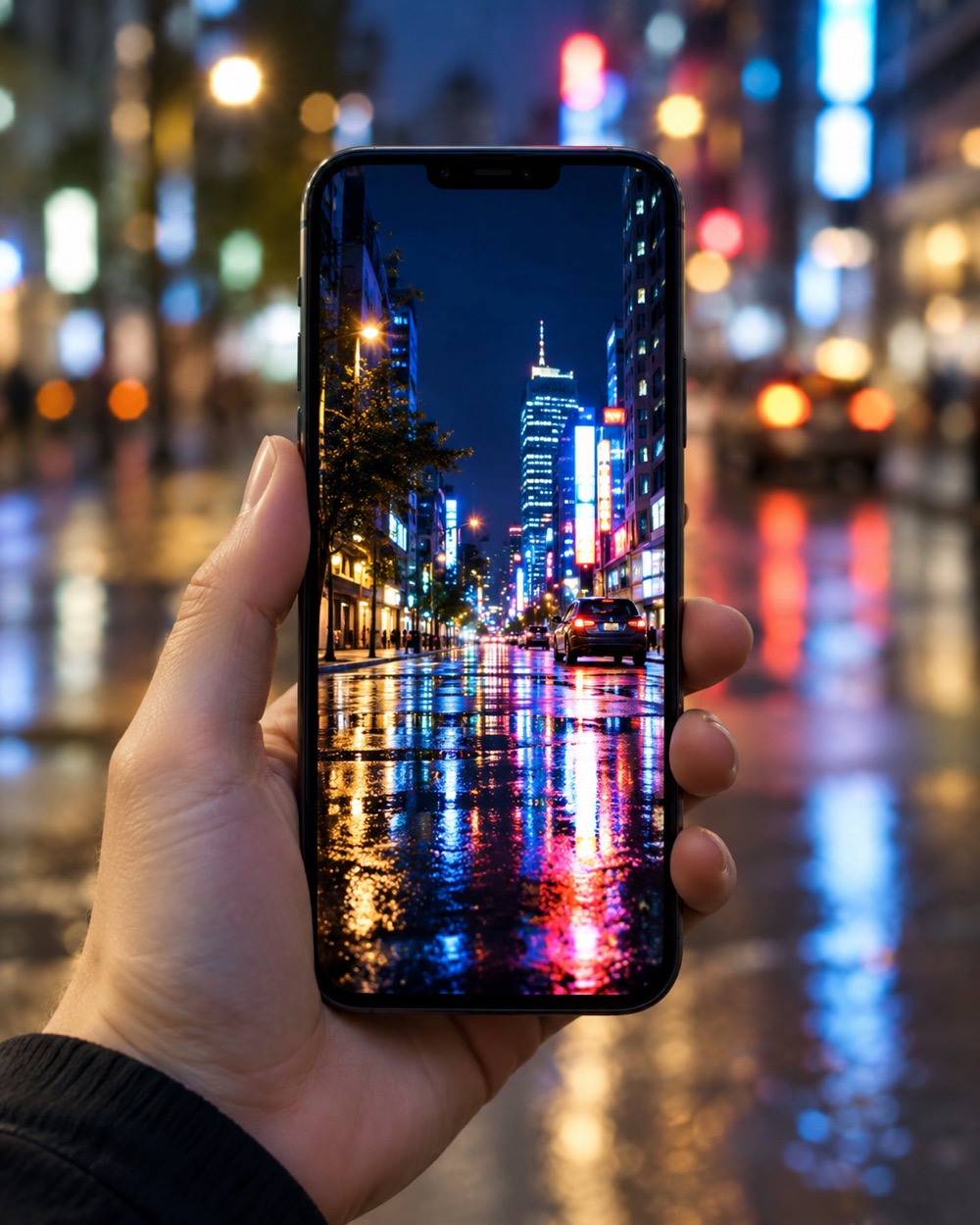
Photo mode or text mode
Photo mode uses your upload as the performer and builds the trend staging around it. Text mode lets you describe a scene and renders it from scratch, with an optional photo as the subject anchor. Both modes use the same 12-second vertical output and the same credit ladder.
Built for the feed, not the timeline
There is no editor, no keyframes and no layer stack. You choose a resolution, the model handles framing and motion. The MP4 downloads clean and silent, ready for the sound, captions and cover you add in the platform. A failed render returns its credits automatically.
Keep creating
Four related tools that use the same credit balance.
Frequently asked questions
Is the output always 9:16?
Yes. Every render is vertical 9:16, at 480p, 720p or 1080p. There is no landscape or square export.
Can I use the clip on YouTube Shorts?
Yes. The MP4 is a standard vertical file; upload it to Shorts, Reels or TikTok and add the sound in that app.
How long is the clip?
12 seconds. It is one continuous shot, not a sequence of cuts.
Last updated 2026-10-20