I Wanna Love You AI
An AI portrait video generator built for one face
Portrait photos are still. A portrait video should move like a person, not like a Ken Burns slideshow. This generator adds a small, controlled performance — a head turn, a breath, a camera push-in — while keeping the face from the portrait.
Upload one photo
A clear, front-facing photo of one person or pet.
Pick a resolution
480p, 720p or 1080p; the price is shown before you generate.
Download the MP4
12 seconds, 9:16, silent and watermark-free.
Small motion is the point
The first version of any portrait animation should be conservative: a slight turn toward the camera, a blink, a shift in the shoulders, soft background movement and a slow push-in. Those motions are easy for the model to keep stable. Big dance moves, rapid head whips and full-body spins are where faces drift, so the studio starts with the controlled version and lets text mode add more direction.
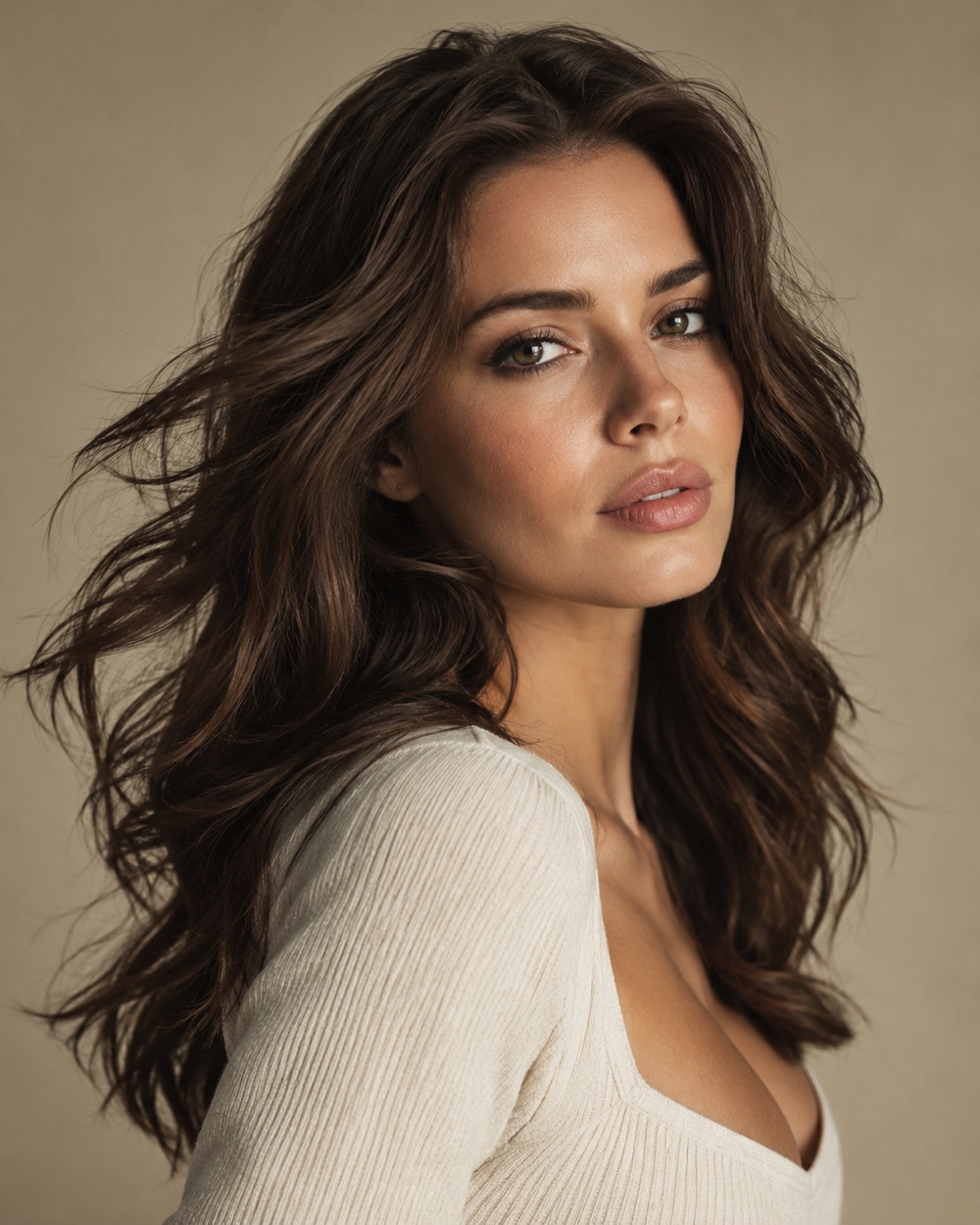
Headshot, half-body or full-body
A headshot gives the model the most face detail and the least body to invent. A half-body portrait adds shoulders and hands, which can be expressive but also harder. A full-body photo needs a clean silhouette and a simple background. In every case: one person, eyes visible, no heavy filter, no text across the face.
Output and price
Every run is 12 seconds, 9:16, silent and watermark-free. 480p costs 10 credits, 720p costs 30, 1080p costs 60. If the render fails, the credits return automatically. You can download the MP4 and add the sound, captions or branding in the editor you already use.
Keep creating
Four related tools that use the same credit balance.
Frequently asked questions
Can I animate a professional headshot?
Yes, as long as you have the rights to the photo. A clean headshot with even light is one of the best inputs for this model.
Will glasses or a beard confuse the model?
Glasses are fine when the eyes are visible; a beard is preserved like other facial features. The problems start when the eyes are hidden or the photo is too small.
Can I make the portrait talk or sing?
The model generates motion, not lip-synced speech. For a singing-style clip, use the trend mode and add the sound in TikTok or Reels.
Last updated 2026-10-20