I Wanna Love You AI
Photo animation AI that moves the subject, not the frame
There are two ways to animate a photo. The cheap way moves the whole frame: a pan, a zoom, a parallax layer. The useful way moves the subject inside the frame. This studio does the second: a head turns, a pet shifts, the background drifts, and the camera pushes in on the face.
Upload one photo
A clear, front-facing photo of one person or pet.
Pick a resolution
480p, 720p or 1080p; the price is shown before you generate.
Download the MP4
12 seconds, 9:16, silent and watermark-free.
What changes between a still and a clip
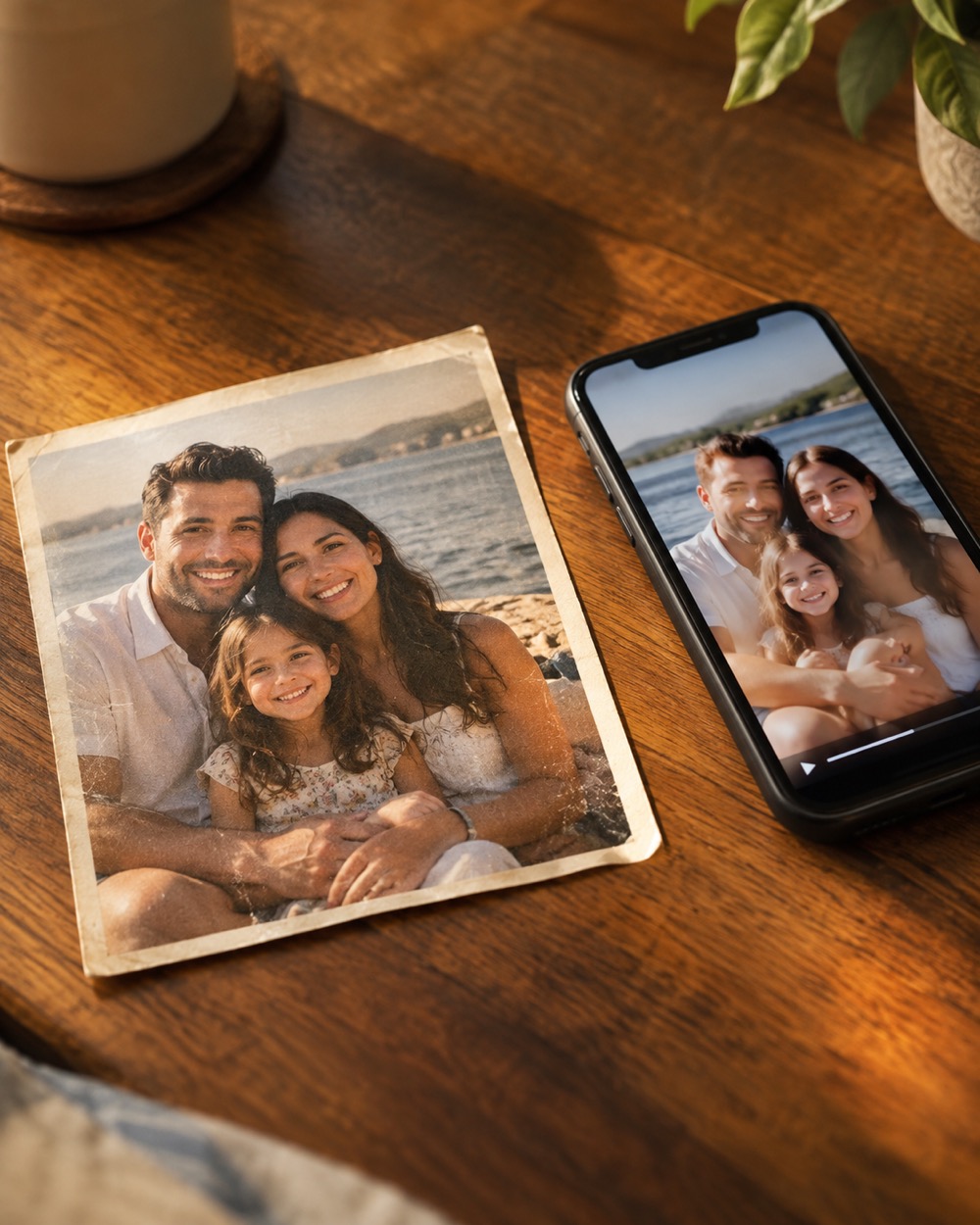
The model adds motion cues that a photo does not contain: a blink, a breath, a small turn, fabric movement, background parallax and a slow camera move. It keeps the identity anchor — face, hair, skin tone, outfit — and avoids cuts. The result is one continuous 12-second shot rather than a sequence of animated layers.
The best stills for animation
A sharp subject, even light, a visible face and a background that is not crowded. Avoid photos where a hand covers the face, where two people overlap, or where the subject is tiny in the frame. If the photo already contains text or a logo, the model may try to animate it; crop it out before uploading.
What it is not
It is not a frame-by-frame animator, a lip-sync tool or a 3D camera rig. It will not turn a flat illustration into a fully consistent cartoon character, and it will not preserve a complex logo through motion. It is a 12-second, 9:16, silent portrait animation with a clean download.
Keep creating
Four related tools that use the same credit balance.
Frequently asked questions
Can I animate an old family photo?
Yes, if you have the rights to the photo and the face is clear. Old, low-resolution photos animate less reliably than a sharp phone photo.
Can I animate a drawing or an illustration?
The model is tuned for photographic subjects. Illustrations can work, but expect more drift; a realistic photo is the safer input.
Is the animation realistic?
It is deliberately subtle: small head movement, breathing, background drift and a camera push-in. Big motion is where AI faces break, so the first version stays controlled.
Last updated 2026-10-20