I Wanna Love You AI
AI video for Instagram Reels, without the crop
Reels are vertical, fast and cover-driven. This studio gives you a 12-second 9:16 clip that already fits the frame, with no watermark fighting your cover image. Add the audio and the caption inside Instagram, where the licensed music lives.
Upload one photo
A clear, front-facing photo of one person or pet.
Pick a resolution
480p, 720p or 1080p; the price is shown before you generate.
Download the MP4
12 seconds, 9:16, silent and watermark-free.
A cover-ready vertical file
The MP4 is 9:16 at 480p, 720p or 1080p, with no overlay and no audio track. That makes it easy to pick a cover frame, add a text hook in Instagram, and publish without a second export. The clean file also gives you room to reuse the same clip as a Story or a TikTok post.
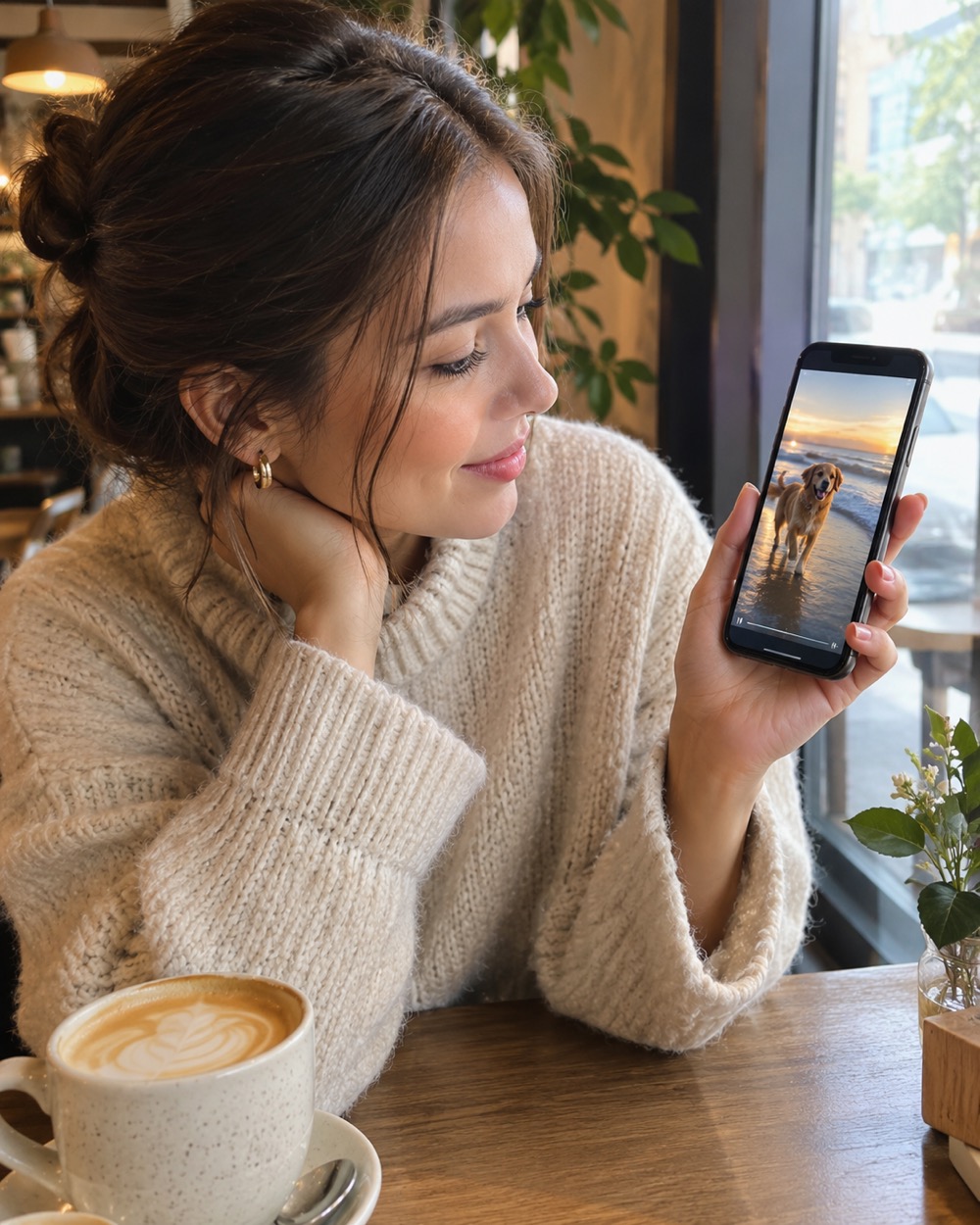
Choose motion that survives compression
Reels re-encodes everything you upload. Small, controlled motion — a head turn, a camera push-in, drifting fog — survives that compression better than fast choreography. The model is also instructed to avoid text and logos in the scene, because Instagram compresses fine detail first and small text turns to mush.
One clip, three placements
The same vertical MP4 can be a Reel, a Story or a TikTok post. Because it is silent and watermark-free, each platform can use its own licensed audio. Generate once, then let each placement have its own sound and caption instead of paying for three renders.
Keep creating
Four related tools that use the same credit balance.
Frequently asked questions
Can I add Instagram music to the clip?
Yes. Upload the silent MP4 to Reels and pick a track from Instagram’s licensed library. The file has no audio to conflict with it.
Is the clip the right size for Reels?
Yes: 9:16, which is the native Reels frame. There are no black bars or pillar-boxing.
Can I use the same clip on TikTok?
Yes. The MP4 is platform-neutral. Add each platform’s own licensed sound and caption.
Last updated 2026-10-20