I Wanna Love You AI
AI video for TikTok, sized before it renders
TikTok does not reward a landscape clip with black bars. This studio renders at 9:16 from the first frame, so the video is already the shape of the feed. One photo or one prompt in, one 12-second vertical MP4 out, ready for the sound you add in the app.
Upload one photo
A clear, front-facing photo of one person or pet.
Pick a resolution
480p, 720p or 1080p; the price is shown before you generate.
Download the MP4
12 seconds, 9:16, silent and watermark-free.
Post it without re-editing
The output is a standard 9:16 MP4 at 480p, 720p or 1080p. It has no watermark and no audio track. Upload it to TikTok, add the trend sound from the in-app library, write the caption and post. Because the file is silent, TikTok is free to use the licensed version of the track instead of a muffled copy.
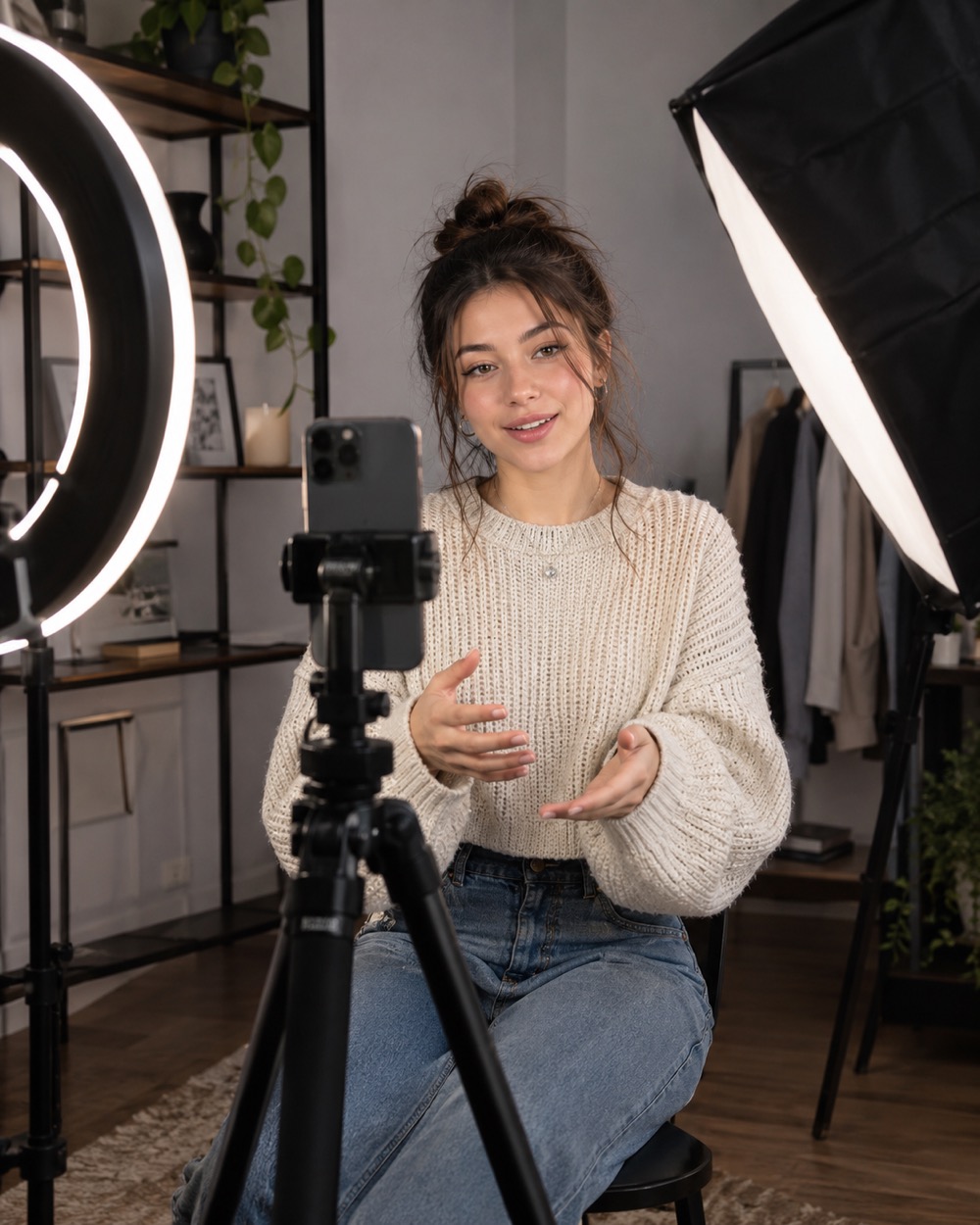
What performs, and what gets refused
A close, clear face and one continuous action perform better than a busy scene. The model is asked to keep one person, one head, two arms and five fingers per hand. Celebrity likenesses, strangers, children and explicit content are refused before generation. That is a platform-safety rule and a product rule at the same time.
The honest part about reach
No tool can promise views. What this studio controls is the input quality and the file format: a clean vertical clip, a face that stays consistent, and no watermark that makes the post look like an ad. The rest is the sound, the hook and how often you post. Start with one clip, watch the retention graph, then change one variable at a time.
Keep creating
Four related tools that use the same credit balance.
Frequently asked questions
Can I upload the clip directly to TikTok?
Yes. Download the MP4, open TikTok, upload it, and add the sound from TikTok’s library. The file is silent on purpose so the platform can use the licensed track.
Does TikTok add an AI label?
TikTok may label AI-generated content. That is a platform disclosure and does not change the file you downloaded.
What resolution should I choose?
720p is the default balance of quality and credits. 1080p costs more and is worth it when the clip is the main post rather than a test.
Last updated 2026-10-20