I Wanna Love You AI
A Black Friday AI video from one product photo
Black Friday creative is a volume problem: one product, several scenes, no shoot day. Upload a product photo as the first frame, describe the scene in text mode, and render a 12-second vertical clip for a post, a Story or an ad.
Describe the scene
Name the product, the set, the light and the camera move; add a first frame if you have one.
Pick a resolution
480p, 720p or 1080p; the price is shown before you generate.
Download the MP4
12 seconds, 9:16, silent and watermark-free.
The prompt recipe for product clips
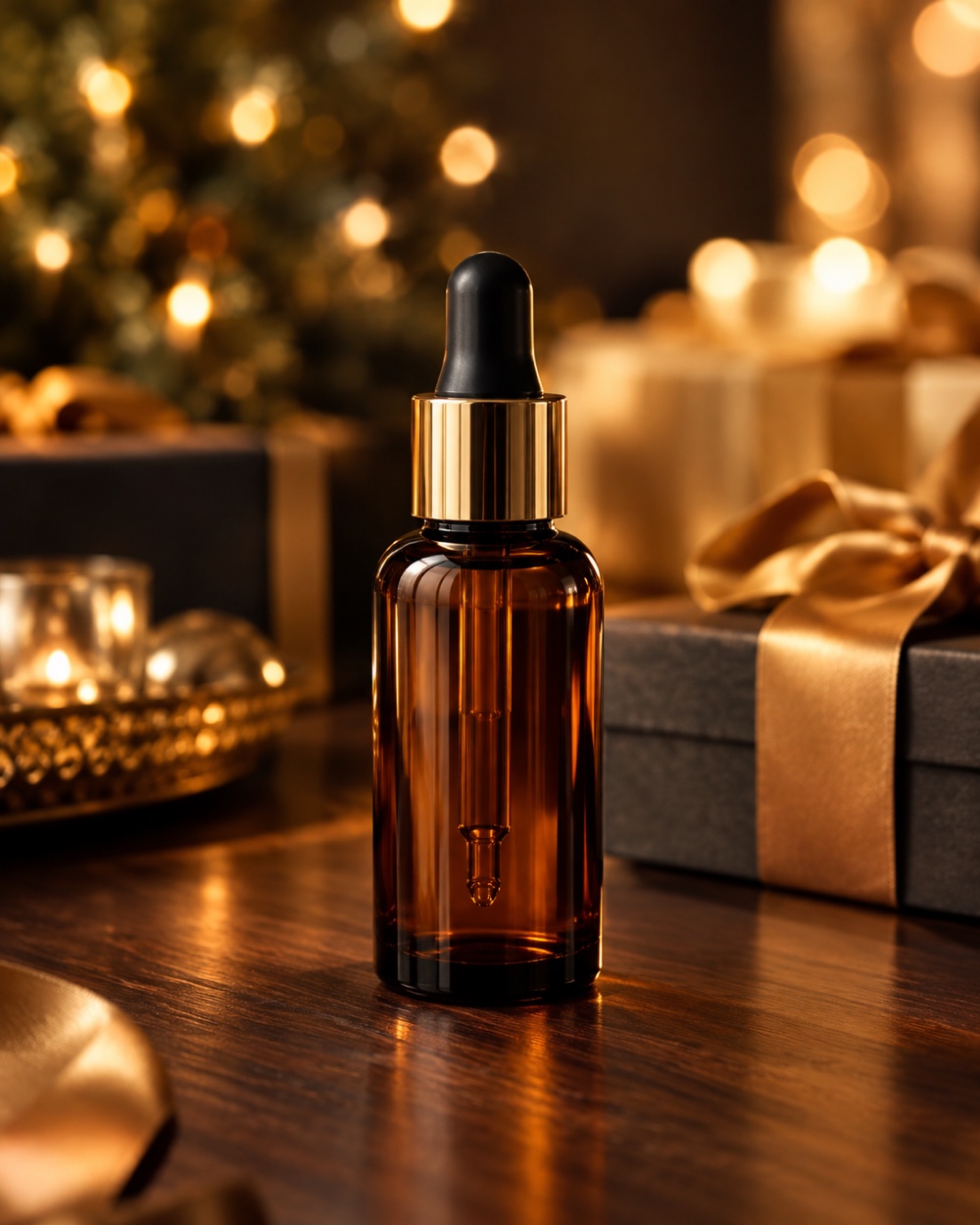
Name the product, the surface, the light and the camera move: “the bottle from the photo on a dark walnut table, warm bokeh lights behind it, wrapped gift boxes out of focus, slow push-in, soft highlight on the glass”. Keep one product and one scene per clip. Add price, badge and call-to-action in the platform editor, not inside the generated frame; small text is where the model fails.
What makes a usable product frame
Shoot or choose a photo where the product fills most of the frame, the light is even and the background is not busy. The model keeps the silhouette and the material surprisingly well, but labels, small logos and embossed text can drift. Check the first render at full size before you publish; if the label is the selling point, keep the camera closer and avoid fast motion.
Price, timing and honest claims
A render is 12 seconds at 480p (10 credits), 720p (30) or 1080p (60); a failed task returns its credits. Rendering usually takes two to five minutes. The MP4 is silent and watermark-free, so add a licensed track and your on-screen offer in the editor. This page does not invent a Black Friday discount: you pay the published credit price, and the only “deal” is the one you choose to run on your own product.
Keep creating
Four related tools that use the same credit balance.
Frequently asked questions
Is there a Black Friday discount on credits?
There is no hidden coupon or countdown on this page. The packs at /pricing are the whole price list; if a promotion runs later, it will be stated there with its dates. Failed renders are refunded automatically either way.
Can the video show the price or a “50% off” badge?
Do not rely on it. Generated text is the least reliable part of the frame. Render the product and the mood, then add the price, badge and CTA as an overlay in TikTok, Reels, Shorts or your ad manager.
Can I use a branded product?
Only if you have the rights to the product and its marks. The model may redraw a logo or label imperfectly, which is another reason to check the render before publishing and to keep the real product shot in the edit if the mark matters.
Will the file have a watermark or audio?
No watermark at any resolution, and the file is silent on purpose. Add a licensed track in the platform so the rights holder is credited and the post is less likely to be muted.
Last updated 2026-10-20